All coursesComputer Basics

Computer Basics

Build everyday computer confidence with Windows and internet basics, Word documents, Excel spreadsheets and PowerPoint presentations.

Standard: 3–6 months; 45-day options for selected courses. Confirm availability.Online training is available across India. Offline training targets Mohali, Chandigarh, and Panchkula; contact us to confirm this course’s availability.Starting level confirmed on enquiry
Request course information Book a Free Demo
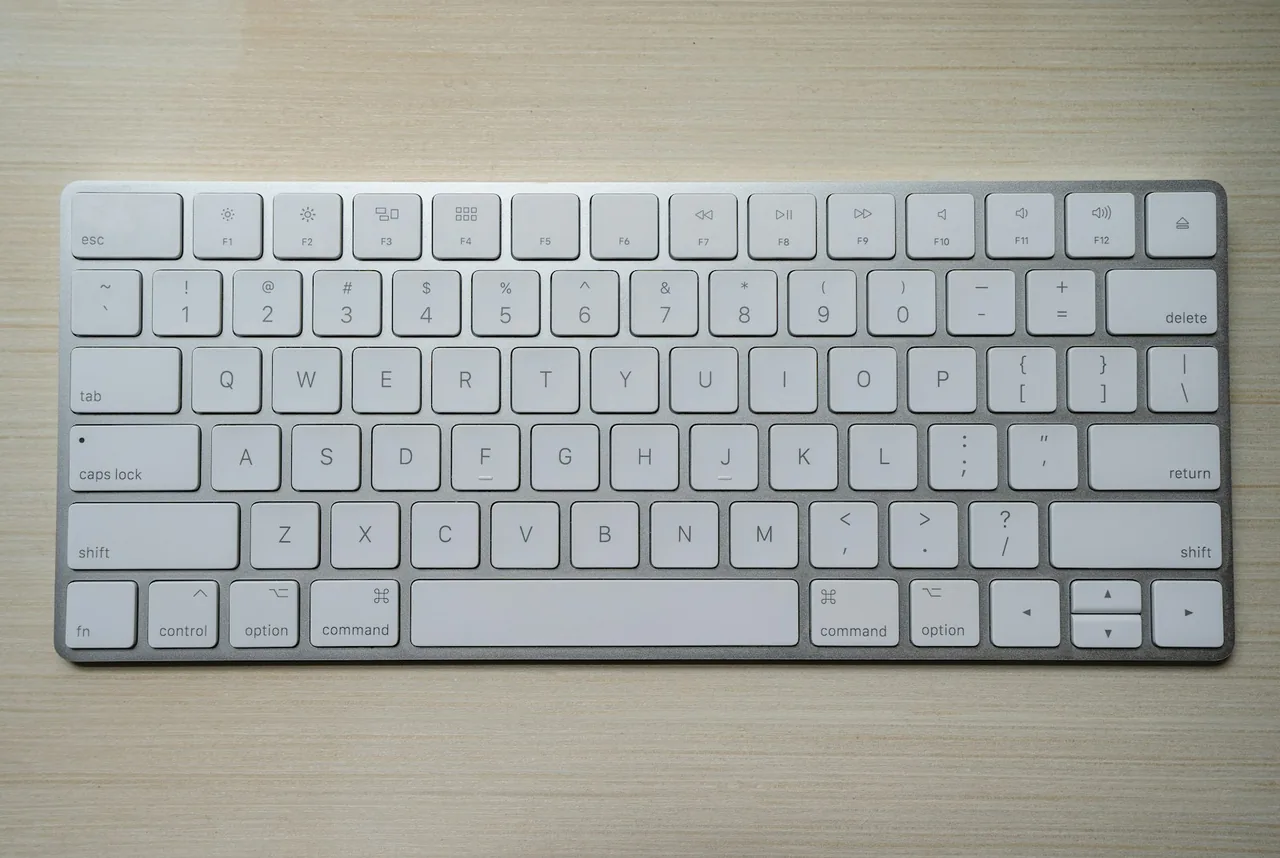
Computer Basics course cover illustration
Course overview

Inside Computer Basics

A beginner-friendly course for learning the practical computer skills used in study, office and everyday digital tasks. Start with files, folders and online safety, then practice creating documents, spreadsheets and presentations using Microsoft Office applications.

Tools and topics you’ll explore
WindowsMicrosoft WordMicrosoft ExcelMicrosoft PowerPoint
Who it’s for

Who is this course designed for?

Beginners who want to build confidence using a computer for study, office tasks or everyday digital work.

Before you start

Contact us to confirm any recommended background or preparation for this course.

Learning outcomes

What you’ll learn to do

  • Use basic desktop, file, folder and internet features with more confidence.
  • Create and format a clear document in Word.
  • Organize simple information in Excel using formulas, filters and charts.
  • Prepare a short, readable presentation in PowerPoint.
Course FAQs

Frequently asked questions about Computer Basics

Is this course suitable for government-exam preparation?

It covers practical computer fundamentals commonly used in office and exam settings, including files, Word, Excel and PowerPoint. Always follow the requirements published for the target exam.

Are Computer Basics classes available nearby?

Enquire about offline classes in Chandigarh, Mohali or Panchkula. Online training is available across India.

Practical project ideas

Put your new skills into practice

Project 01

Prepare a neatly formatted Word document with headings, a table and page layout.

Project 02

Create an Excel expense or attendance tracker with formulas, filters and a chart.

Project 03

Build a short PowerPoint presentation from a simple brief.

These are sample learning activities. Final exercises may vary based on the confirmed course plan.
Illustrative course outline

Computer Basics

8 learning steps
  1. 01Learn concepts
  2. 02Practise skills
  3. 03Build projects
  4. 04Show portfolio
  1. 01

    Computer & Digital Fundamentals

    • Computer parts
    • input/output devices
    • hardware
    • software
    • +3 more

    Identify system components, configure basic settings and complete essential computer operations with confidence. Apply the concepts through a practical exercise, review the final result for accuracy, and explain how the steps and tools support the stated learning goals.

  2. 02

    Windows & File Management

    • Files
    • folders
    • extensions
    • copy/move
    • +4 more

    Create a structured folder system, organise important files and practise archiving, searching and retrieving documents. Apply the concepts through a practical exercise, review the final result for accuracy, and explain how the steps and tools support the stated learning goals.

  3. 03

    Internet, Email & Online Safety

    • Browsers
    • search techniques
    • downloads
    • attachments
    • +4 more

    Compose a professional email with attachments and organise cloud files. Apply the concepts through a practical exercise, review the final result for accuracy, and explain how the steps and tools support the stated learning goals.

  4. 04

    MS Word Essentials

    • Document creation
    • formatting
    • page layout
    • tables
    • +4 more

    Create a polished resume, letter and multi-page report. Apply the concepts through a practical exercise, review the final result for accuracy, and explain how the steps and tools support the stated learning goals.

  5. 05

    MS Excel Essentials

    • Workbook structure
    • data entry
    • formatting
    • formulas
    • +3 more

    Create an expense sheet, marksheet and monthly summary. Apply the concepts through a practical exercise, review the final result for accuracy, and explain how the steps and tools support the stated learning goals.

  6. 06

    Excel Functions & Data Tools

    • IF
    • SUMIF
    • COUNTIF
    • lookup concepts
    • +3 more

    Build a simple performance tracker with summary insights. Apply the concepts through a practical exercise, review the final result for accuracy, and explain how the steps and tools support the stated learning goals.

  7. 07

    MS PowerPoint

    • Themes
    • layouts
    • typography
    • images
    • +4 more

    Design and deliver a structured presentation. Apply the concepts through a practical exercise, review the final result for accuracy, and explain how the steps and tools support the stated learning goals.

  8. 08

    Office Productivity & Capstone

    • Document workflows
    • spreadsheet accuracy
    • presentation review
    • shortcuts
    • +1 more

    Complete an integrated office assignment using Word, Excel and PowerPoint. Apply the concepts through a practical exercise, review the final result for accuracy, and explain how the steps and tools support the stated learning goals.