All coursesComputer Typing

Computer Typing

Build typing accuracy and confidence through timed passages, exam-style practice and progress review.

Standard: 3–6 months; 45-day options for selected courses. Confirm availability.Online training is available across India. Offline training targets Mohali, Chandigarh, and Panchkula; contact us to confirm this course’s availability.Starting level confirmed on enquiry
Request course information Book a Free Demo
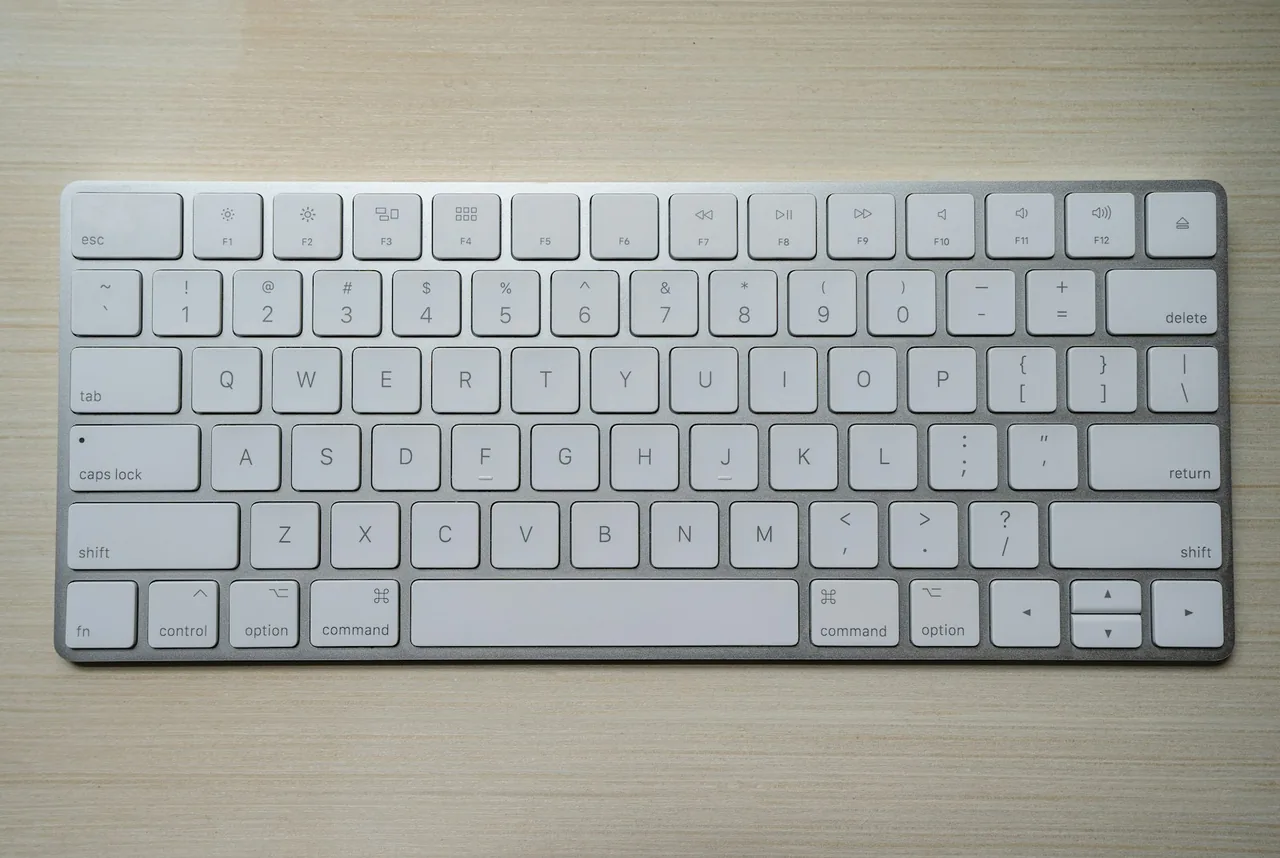
Computer Typing course cover illustration
Course overview

Inside Computer Typing

A focused typing practice course for learners preparing for computer-based typing tests as part of government recruitment exams. Practice is organized around accuracy, steady pace and timed exercises. The language, keyboard layout and test format can be discussed according to the learner’s target exam notification.

Tools and topics you’ll explore
Keyboarding practiceTimed typing exercises
Who it’s for

Who is this course designed for?

Candidates preparing for a government recruitment exam that includes a computer-based typing test.

Before you start

Contact us to confirm any recommended background or preparation for this course.

Learning outcomes

What you’ll learn to do

  • Build familiarity with keyboard layout and consistent typing posture.
  • Practice balancing accuracy and pace during timed passages.
  • Review errors and identify personal practice priorities.
  • Align practice activities with requirements in the target exam notification.
Course FAQs

Frequently asked questions about Computer Typing

Does the typing course guarantee a government-exam result?

No. It provides guided practice, error review and timed drills. Eligibility and test speed requirements come from the specific published exam notification.

Can I learn typing online?

Yes, online training is available across India. Offline availability can be confirmed in Chandigarh, Mohali and Panchkula.

Practical project ideas

Put your new skills into practice

Project 01

Complete timed practice passages and review recurring errors.

Project 02

Track practice sessions to observe personal accuracy and pace over time.

Project 03

Prepare a practice routine aligned with the target exam notification.

These are sample learning activities. Final exercises may vary based on the confirmed course plan.

Illustrative course outline

Computer Typing

8 learning steps
  1. 01Learn concepts
  2. 02Practise skills
  3. 03Build projects
  4. 04Show portfolio
  1. 01

    Keyboard Familiarisation

    • Keyboard layout
    • home row
    • function keys
    • number row
    • +1 more

    Label key groups and practise correct sitting posture. Apply the concepts through a practical exercise, review the final result for accuracy, and explain how the steps and tools support the stated learning goals.

  2. 02

    Finger Placement & Home Row

    • Correct finger assignment
    • home-row drills
    • hand positioning and controlled keystrokes

    Complete home-row accuracy drills without looking at the keyboard. Apply the concepts through a practical exercise, review the final result for accuracy, and explain how the steps and tools support the stated learning goals.

  3. 03

    Top Row, Bottom Row & Reach

    • Learn top and bottom row patterns
    • shift key
    • capitals and reach techniques

    Practise progressive letter combinations and short words. Apply the concepts through a practical exercise, review the final result for accuracy, and explain how the steps and tools support the stated learning goals.

  4. 04

    Word Building & Common Patterns

    • High-frequency words
    • syllables
    • letter combinations
    • spacing and rhythm

    Type word lists while tracking accuracy. Apply the concepts through a practical exercise, review the final result for accuracy, and explain how the steps and tools support the stated learning goals.

  5. 05

    Sentences, Punctuation & Numbers

    • Capitalisation
    • punctuation
    • symbols
    • numeric keypad and mixed text

    Type formatted sentences, dates and numeric passages. Apply the concepts through a practical exercise, review the final result for accuracy, and explain how the steps and tools support the stated learning goals.

  6. 06

    Paragraphs & Timed Practice

    • Paragraph flow
    • speed bursts
    • sustained typing
    • timed passages and error correction

    Complete timed paragraph tests and review errors. Apply the concepts through a practical exercise, review the final result for accuracy, and explain how the steps and tools support the stated learning goals.

  7. 07

    Accuracy, Speed & Exam Practice

    • WPM
    • accuracy percentage
    • backspace discipline
    • test formats and personal targets

    Complete exam-style tests under time limits. Apply the concepts through a practical exercise, review the final result for accuracy, and explain how the steps and tools support the stated learning goals.

  8. 08

    Final Assessment & Improvement Plan

    • Baseline versus final performance
    • common error patterns and daily practice plan

    Submit a final timed test and individual improvement report. Apply the concepts through a practical exercise, review the final result for accuracy, and explain how the steps and tools support the stated learning goals.